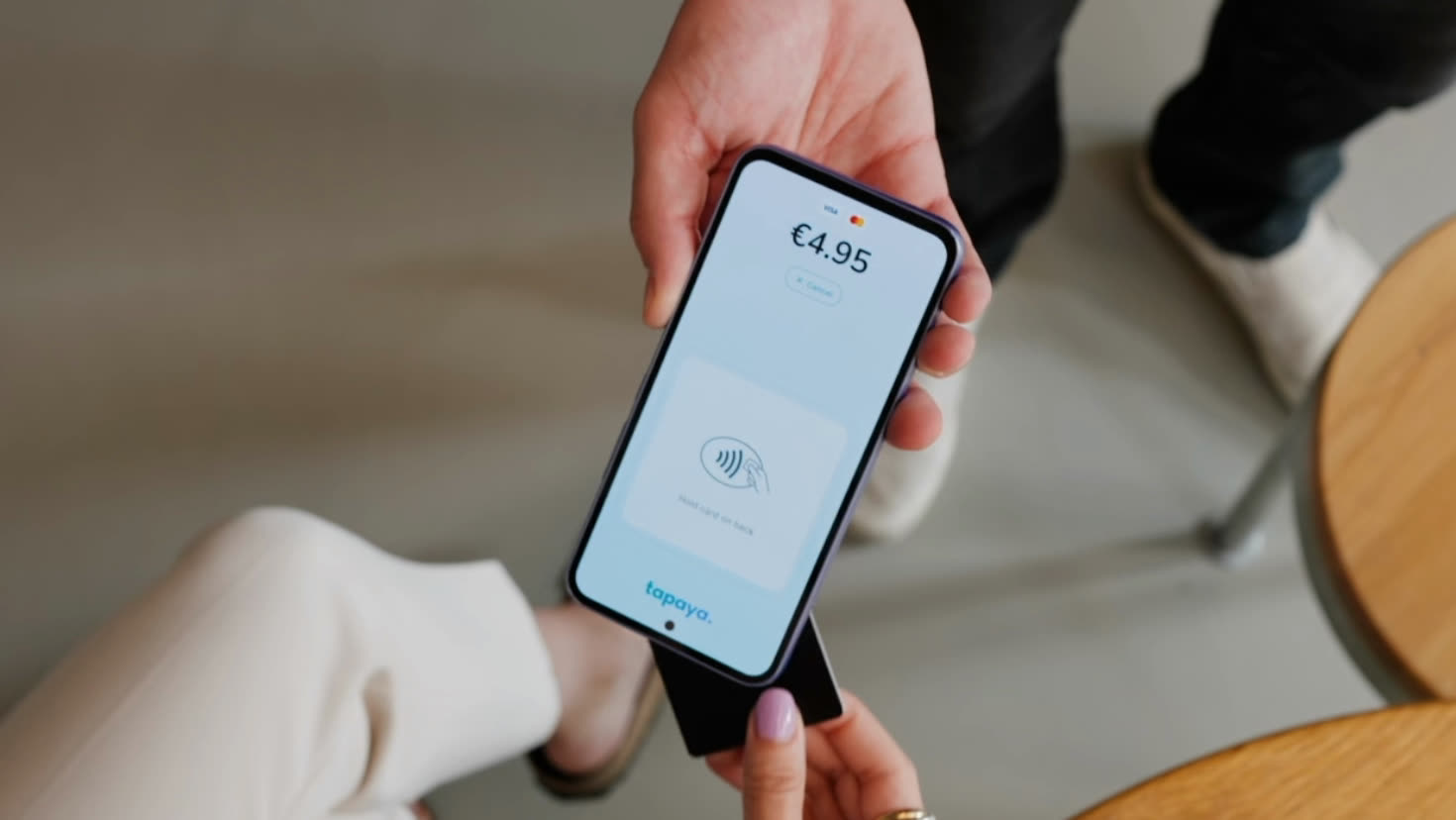
Use the Tapaya app
- Free app for Android phones and tablets
- Sales, refunds and receipts in one app
- No contract, no hardware to buy
Customers tap a card, phone or watch on the back of your Android phone or tablet. No extra hardware, nothing to install at the counter.
Works on Android 11 or newer with NFC. No extra hardware, no contract, no monthly fee.
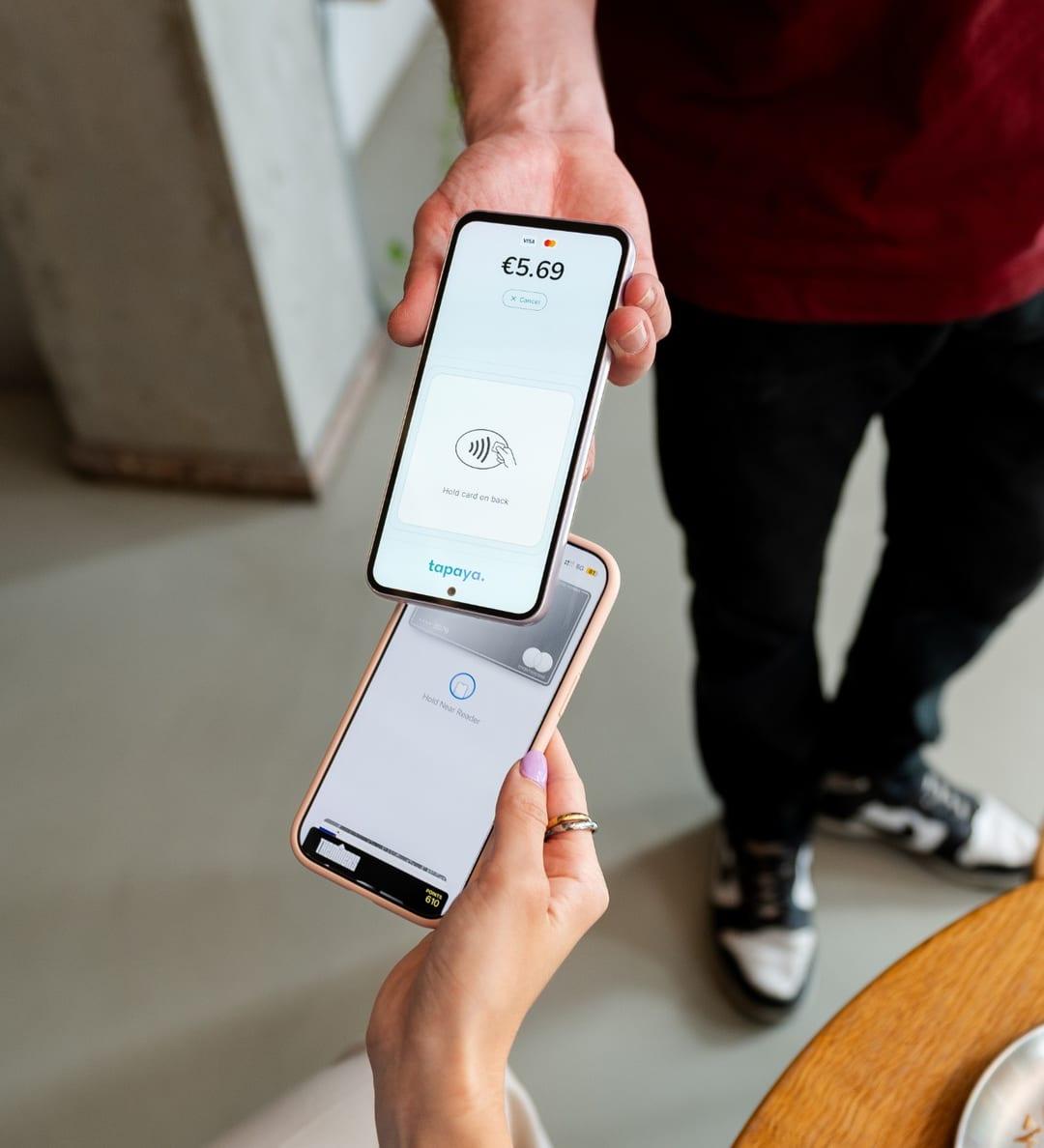
Tap to Pay turns an Android phone or tablet with NFC into a card terminal. Your customer taps a card, phone or watch on your device to pay.
There's no extra hardware, no contract and no monthly fee. This page covers how it works, which devices qualify and how to start taking payments.
Online, no meeting.
From Google Play, on a phone or tablet you own.
Card or phone on the back of the device.
Every payment shows up in your dashboard.
SoftPOS turns a standard phone or tablet into a payment terminal, no extra hardware, no dongle. Your customers tap their contactless card or phone directly against the device and the payment goes through. Tapaya brings that capability to any commercial Android device running Android 11 or later with NFC, so you accept in-person payments on hardware you already own. Tapaya itself is PCI certified, and so is every product it ships, so you're never trading compliance for convenience.
If it runs Android, it can take payments. Phones, tablets, kiosks, and dedicated SoftPOS hardware from vendors like Sunmi and iMin are all in scope, alongside mainstream phones such as Samsung Galaxy and Google Pixel, so you're not locked into a single ecosystem or a specific manufacturer's terminal. The minimum is Android 11 or newer with NFC. Google Play services aren't required either, so dedicated terminals that ship without them work just as well.
Merchant pricing starts at 1.39% blended per transaction, with no monthly, setup, or hardware fees, or Interchange++ for higher volume. You apply online and are usually approved within 48 hours, then start taking payments on a device you already own. Platforms and partners get custom, volume-based pricing.
Payouts settle on D+2, straight to your existing bank account, so you're not waiting on a weekly batch to see your money.
Merchant onboarding is fully digital, no in-person meeting and no hardware to wait for. Most businesses are verified and approved within 48 hours, then start accepting payments on a device they already own.
Building on Tapaya as a platform or integrator? See the developer and partner overview.